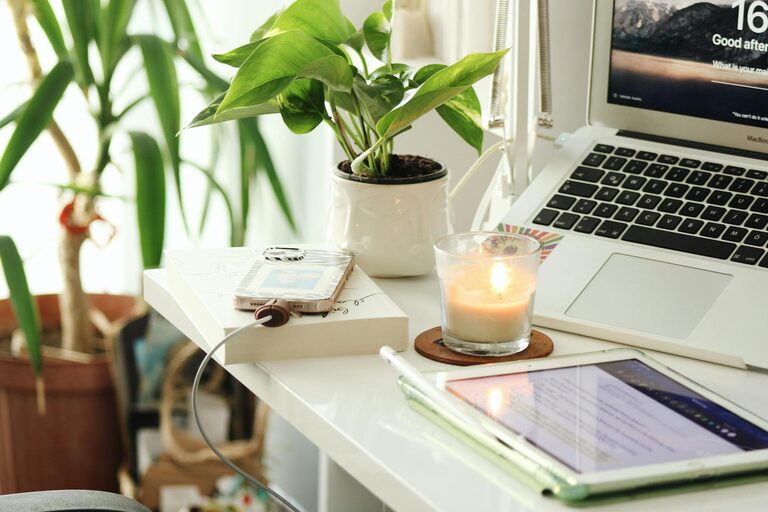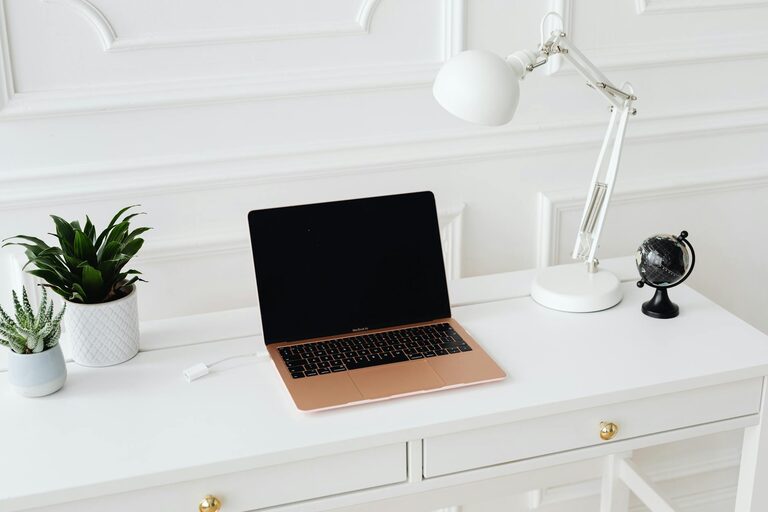

Creating a cozy and productive home workspace is essential for anyone who works remotely or spends significant time on personal projects at home. The right environment can boost your focus, reduce stress, and make your workday more enjoyable. In this post, we’ll explore simple, practical tips to help you design a space that feels inviting and helps you stay on track.
Choose the Right Location
Pick a Quiet Spot
Finding a quiet corner or room where you can work without distractions is the first step. If possible, choose an area with little foot traffic and away from noisy appliances or TVs.
Consider Natural Light
Natural light helps improve mood and energy levels. Try to set up your workspace near a window. If that’s not an option, invest in good-quality artificial lighting that mimics daylight.
Invest in Comfortable Furniture
Ergonomic Chair
An ergonomic chair supports your posture and helps prevent discomfort over long hours. Look for adjustable options with good lumbar support to keep your back happy.
Proper Desk Height
Your desk should allow you to keep your arms at a comfortable angle, typically around a 90-degree bend at the elbows. Adjustable desks, including standing desks, can add flexibility.
Organize Your Space Efficiently
Declutter Regularly
A cluttered desk can distract you and reduce productivity. Keep only the essentials on your workspace. Use drawers or shelves to store supplies neatly out of sight.
Use Storage Solutions
Bins, baskets, and filing systems can help keep papers and office materials organized and easy to find.
Personalize Your Workspace
Add Cozy Elements
Incorporate soft textures like a warm throw blanket, cushions, or a small rug to make the space feel inviting.
Bring in Plants
Plants not only improve air quality but also add color and a sense of calm. Choose low-maintenance varieties if you don’t have a green thumb.
Display Inspiring Items
Photos, artwork, or motivational quotes can give you an emotional boost and make your workspace uniquely yours.
Manage Technology Wisely
Reliable Equipment
Make sure your computer, printer, and other devices are reliable and up-to-date to minimize tech frustrations.
Cable Management
Use cable clips, sleeves, or boxes to keep cords organized and avoid tangling.
Good Internet Connection
A stable internet connection is crucial to avoid disruptions during work or virtual meetings.
Maintain Proper Lighting
Balanced Lighting
Avoid harsh overhead lights that cause glare. Use a combination of task lighting (like a desk lamp) and ambient lighting to create a comfortable setting.
Adjust Lighting as Needed
Dimmer switches or adjustable lamps allow you to change brightness based on the time of day and activity.
Establish Boundaries
Define Work Hours
Set specific work hours to maintain work-life balance. Communicate these boundaries to family or roommates.
Separate Work and Relaxation Spaces
If possible, keep your workspace separate from areas designated for relaxation to help your brain switch between work mode and rest.
Incorporate Productivity Techniques
Use To-Do Lists
Keep a daily or weekly to-do list to plan tasks and stay organized.
Take Breaks
Schedule short breaks to stretch, move, or rest your eyes. This helps sustain energy and focus.
Minimize Distractions
Turn off unnecessary notifications and create “focus times” with minimal interruptions.
Keep Your Workspace Clean
Daily Tidy-Up
Take a few minutes at the end of each workday to clear your desk and prepare for the next day.
Regular Deep Cleaning
Dust surfaces, clean your keyboard and screen, and vacuum the area to keep the space fresh and healthy.
—
Creating a comfortable, well-organized home workspace doesn’t require a huge investment or a major renovation. By focusing on simple changes like lighting, furniture, and organization, you can build an environment that supports your productivity while feeling cozy and personal. With a little attention to detail, your home office can become a place you look forward to spending time in every day.
About the Author