Working from home has become a common arrangement for many people, and having a productive home office environment is essential to maintain focus and efficiency. Whether you’re starting a new remote job, freelancing, or simply looking to improve your current workspace, small changes can make a big difference. This guide will walk you through practical tips for setting up a home office that promotes productivity, comfort, and a positive workday.
Choose the Right Location
The first step in creating a productive home office is selecting the right spot in your home. Ideally, this space should be:
– Quiet: Choose a room or corner with minimal distractions.
– Private: If possible, a separate room helps create a clear boundary between work and personal life.
– Well-lit: Natural light is best, so try to position your desk near a window.
– Accessible: Make sure the location allows easy access to necessary equipment and resources.
If space is limited, even a dedicated nook can work as long as you clearly define it as your workspace.
Invest in Ergonomic Furniture
Comfort is key for long hours spent working. Ergonomic furniture not only supports your body but helps prevent strain and injury. Consider the following:
– Adjustable Chair: Choose a chair with good lumbar support, adjustable height, and swivel capability.
– Desk Height: Your desk should be at a height where your elbows are at a 90-degree angle when typing.
– Footrest: If your feet don’t rest flat on the floor, a footrest can improve posture.
– Monitor Stand: Keep your computer screen at eye level to reduce neck strain.
Quality furniture is a worthwhile investment that boosts focus and well-being.
Optimize Lighting
Good lighting reduces eye strain and lifts your mood, which contributes to productivity. Here are some tips:
– Maximize Natural Light: Position your desk near windows but avoid glare by using blinds or curtains.
– Use Task Lighting: Desk lamps with adjustable brightness can supplement overhead lights and help focus.
– Choose the Right Bulbs: Opt for bright, cool white LED bulbs that mimic daylight.
Avoid working in dim or flickering light environments, which can cause headaches and fatigue.
Minimize Distractions
Creating a distraction-free environment is crucial. Consider these strategies:
– Limit Noise: Use noise-cancelling headphones or white noise machines if ambient sounds are disruptive.
– Declutter: Keep your workspace tidy to reduce visual distractions.
– Set Boundaries: Communicate your work hours and space rules to family or roommates.
– Turn Off Notifications: Silence unnecessary phone and computer notifications during work time.
Distractions can break your focus and make tasks take longer.
Organize Your Workspace
A well-organized workspace streamlines your workflow and reduces stress. Try these organizational tips:
– Use Storage Solutions: Shelves, drawers, and organizers help keep supplies neat.
– Keep Essentials Handy: Store frequently used items like pens, notebooks, and chargers within reach.
– Cable Management: Use clips or sleeves to keep cords untangled and out of sight.
– Digital Organization: Maintain a clean desktop and clearly labeled files on your computer.
Regularly decluttering your workspace contributes to a clear and efficient mind.
Establish a Daily Routine
Creating structure helps maintain productivity throughout the day. Here’s how to build a routine:
– Set Regular Hours: Start and finish work at consistent times.
– Schedule Breaks: Short breaks every hour can improve focus and reduce fatigue.
– Plan Tasks: Use to-do lists or digital planners to prioritize daily goals.
– Dress for Work: Changing into work-appropriate attire can mentally prepare you for the day.
A routine builds discipline and separates work time from personal time.
Incorporate Personal Touches
Adding personal elements can make your home office more inviting:
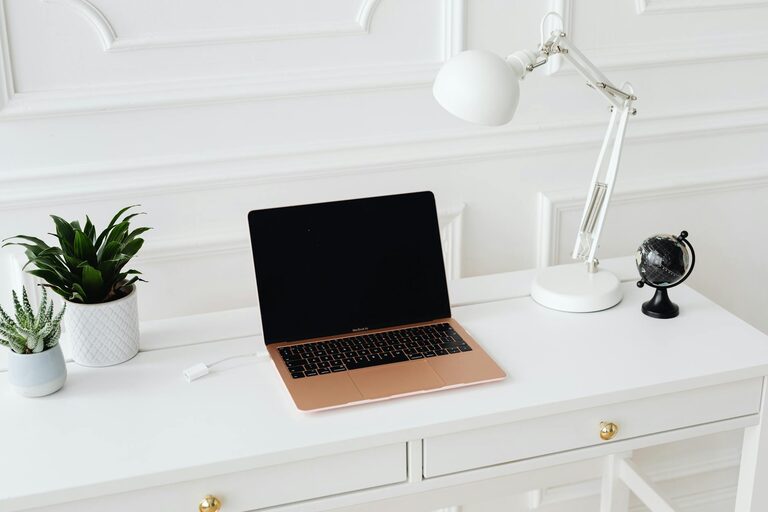
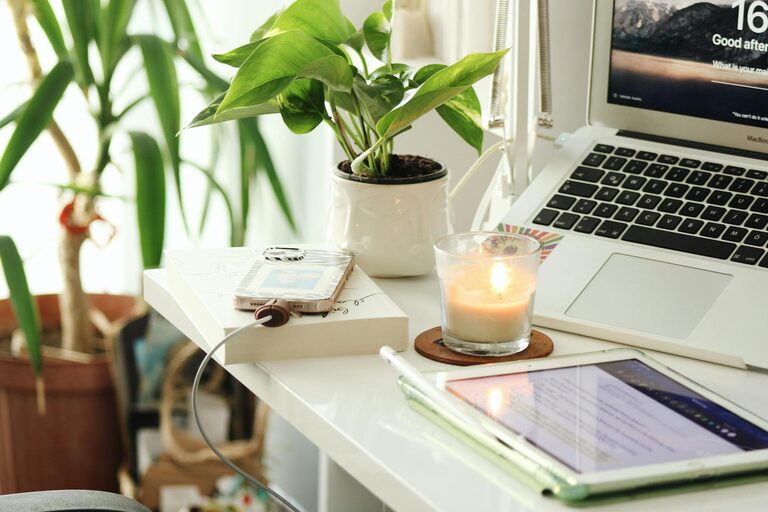
– Plants: Greenery can boost mood and improve air quality.
– Art or Photos: Visuals that inspire you can increase motivation.
– Comfort Items: A cozy blanket or stress ball can provide comfort during challenging tasks.
However, ensure that personal items don’t create clutter.
Utilize Technology Efficiently
Technology can enhance productivity when used wisely:
– Update Software: Keep your tools and apps up to date for better performance.
– Use Productivity Tools: Time trackers, project management software, and communication apps can streamline work.
– Backup Data: Use cloud storage or external drives to protect important files.
– Maintain Security: Ensure your home network is secure to protect your information.
Efficient use of technology supports smoother workflows.
Prioritize Health and Wellness
A productive workspace also supports your overall well-being:
– Stay Hydrated: Keep water nearby and drink regularly.
– Move Regularly: Stand, stretch, or take brief walks to avoid stiffness.
– Adjust Temperature: Keep the room comfortable to stay focused.
– Practice Mindfulness: Incorporate breathing exercises or short meditation breaks.
Caring for your health helps maintain energy and concentration.
—
Creating a productive home office environment takes intentional planning and ongoing effort. By choosing the right space, investing in ergonomic furniture, optimizing lighting, and minimizing distractions, you create a foundation for effective work. Adding organization, routine, and personal touches will make your workspace a place where you enjoy spending time. Remember, adjusting your setup as you discover what works best is part of the process. With these tips, you’re well on your way to developing a home office that supports your productivity and work-life balance.
About the Author