
Creating a cozy and inviting home workspace is essential for staying motivated, focused, and comfortable throughout your workday. Whether you work remotely full-time or need a dedicated area for occasional tasks, the right environment can make all the difference. Below are friendly, practical tips to help you transform any corner of your home into a welcoming and efficient workspace.
Choose the Right Location
Finding the best spot in your home for your workspace is the first step to comfort and productivity.
– Natural light: Aim for a space near windows to enjoy daylight, which helps reduce eye strain and improves mood.
– Quiet area: Select a spot away from high-traffic zones to minimize distractions.
– Space availability: Ensure there’s enough room for all your work essentials like a desk, chair, and storage.
If space is limited, consider creative options like a fold-away desk or a small desk setup in a bedroom corner.
Invest in Comfortable Furniture
Your chair and desk are the foundation of any good workspace.
– Ergonomic chair: Choose a chair that supports your back and encourages good posture.
– Proper desk height: Your desk should allow your arms to rest comfortably at a right angle.
– Adjustability: If possible, use adjustable furniture to switch between sitting and standing.
Remember, comfort helps prevent fatigue and keeps you focused longer.
Personalize Your Workspace
Adding personal touches can make your workspace feel more inviting.
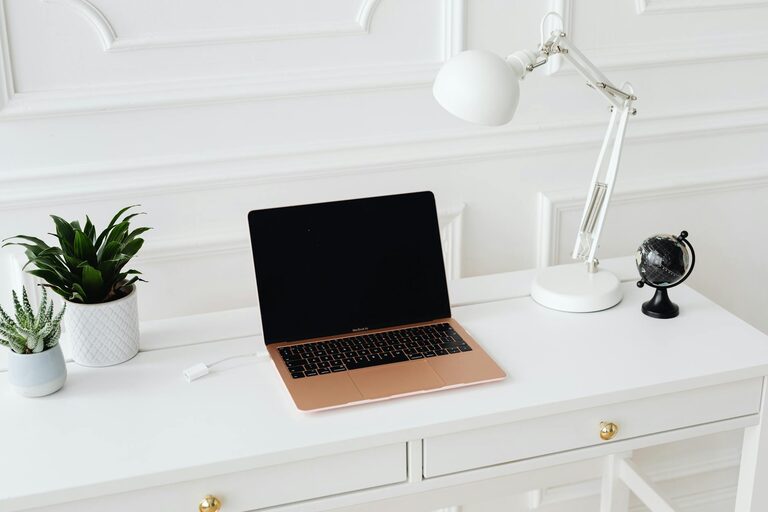
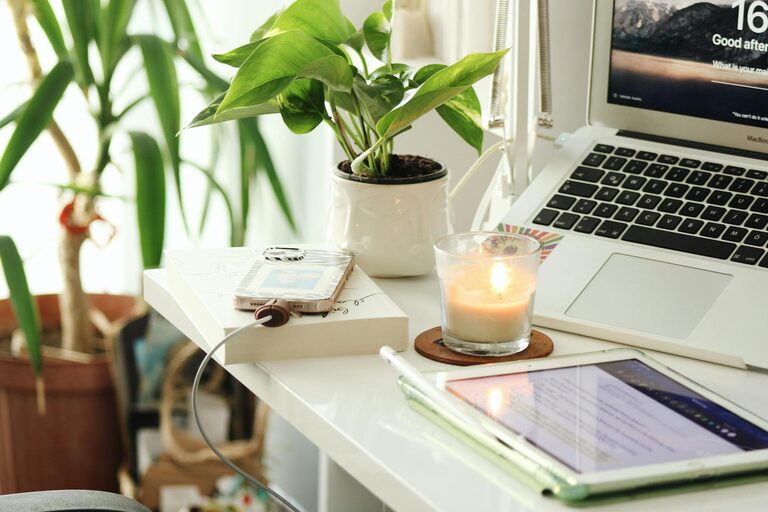
– Decorate with plants: Small indoor plants like succulents or ferns bring life and fresh air.
– Use meaningful items: Display photos, artwork, or objects that inspire you.
– Choose calming colors: Soft tones like light blues, greens, or neutrals create a peaceful atmosphere.
The key is balancing personality with a clutter-free environment.
Organize for Efficiency
A tidy workspace improves focus and reduces stress.
– Declutter regularly: Only keep items you use daily on your desk.
– Use storage solutions: Drawers, shelves, and organizers help keep papers and supplies in order.
– Cable management: Use clips or ties to manage cords and avoid tangled messes.
Setting up a clean workspace at the start of your day can boost productivity significantly.
Control Lighting and Ambiance
Good lighting is crucial for comfort and reducing eye strain.
– Layer your lighting: Combine overhead, task, and ambient lighting to create a well-lit space.
– Task lamps: Desk lamps with adjustable brightness help you focus on detailed work.
– Avoid glare: Position screens and lights to reduce reflections.
Consider soft background music or white noise if it helps improve your concentration.
Incorporate Break Zones
Even in small spaces, having a spot to rest your eyes or take a quick break can refresh your mind.
– Comfortable chair or cushion: A nearby comfy seat invites mini breaks.
– Inspiring view: If possible, set your space near a window or art piece.
– Refreshment station: Keep water, tea, or snacks nearby to stay hydrated and energized.
Short breaks can increase your productivity and well-being.
Maintain Good Air Quality
Fresh air supports focus and wellness during work hours.
– Ventilation: Open windows regularly to circulate fresh air.
– Air purifiers: Consider an air purifier if ventilation is limited.
– Plants for air quality: Some houseplants can improve air and add a relaxing vibe.
Healthy air contributes to comfort and alertness.
Keep Technology User-Friendly
Ensure your technology complements your work without adding frustration.
– Reliable internet: A stable connection is essential for remote meetings and research.
– Ergonomic keyboard and mouse: Choose peripherals that reduce strain.
– Screen positioning: Place your monitor at eye level to avoid neck discomfort.
Regularly update and maintain your equipment to keep workflow smooth.
—
By carefully selecting your location, focusing on comfort and organization, and adding personal touches, you can create a cozy home workspace that invites productivity and well-being. Remember, your workspace should work for you—so feel free to make adjustments until it feels just right. Happy working!
About the Author